

1. Click on [Template] at the top toolbar, to bring up the Templates dialog. Choose one from pre-made templates.
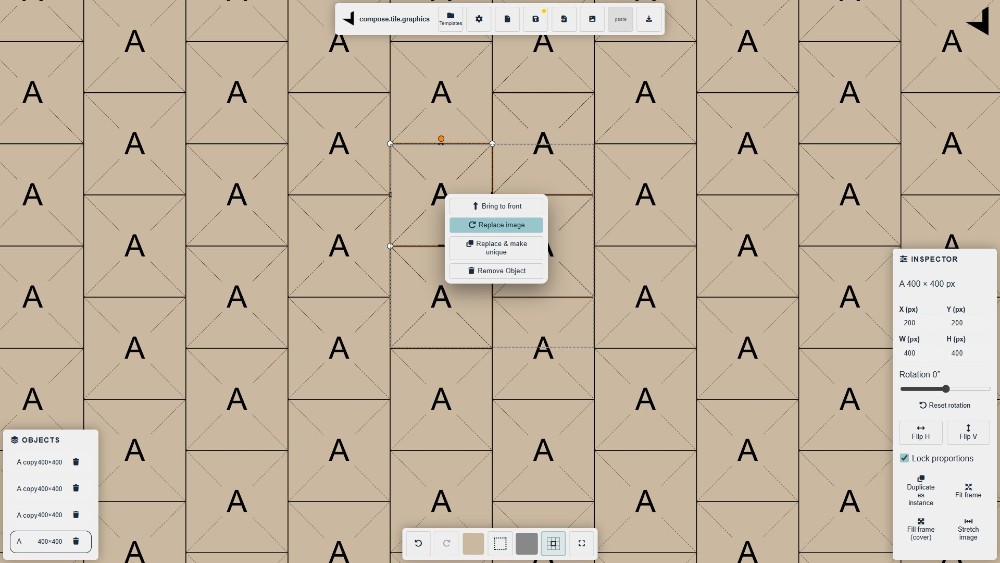
2. Right click on a placeholder in the viewport (or in the OBJECTS panel) - replace image.
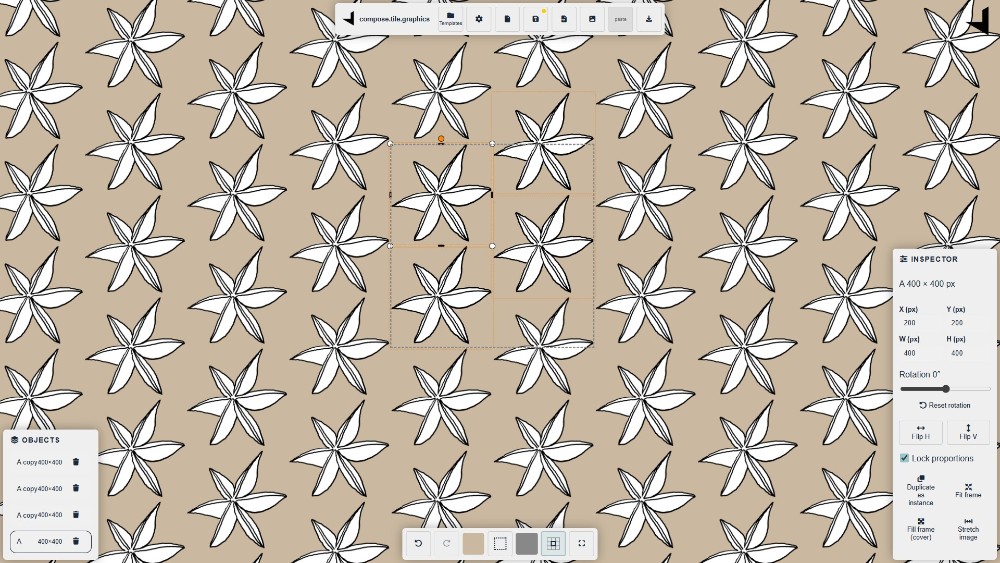
3. Replaced image with a png image with transparent background
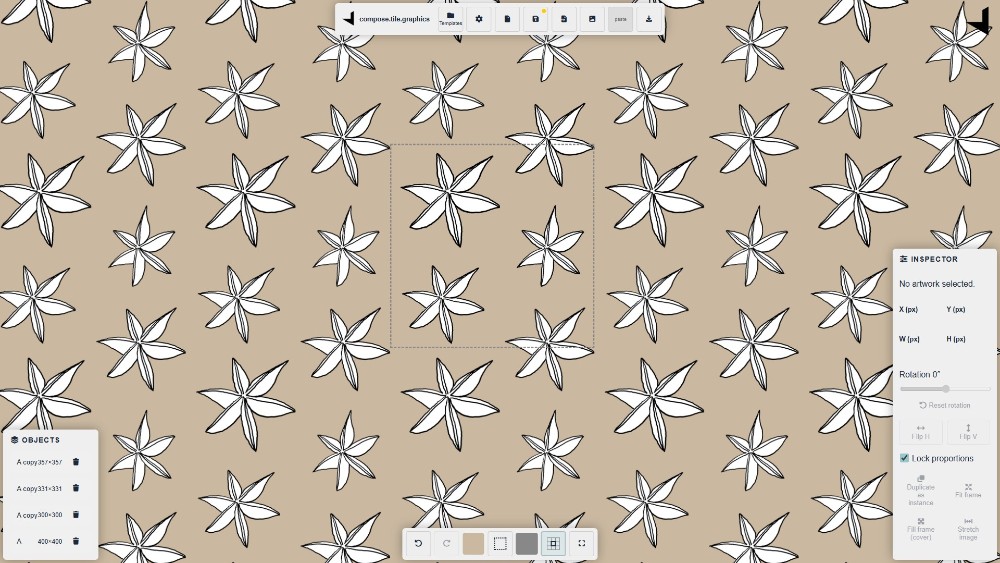
4. Resize or rotate the objects for better composition