
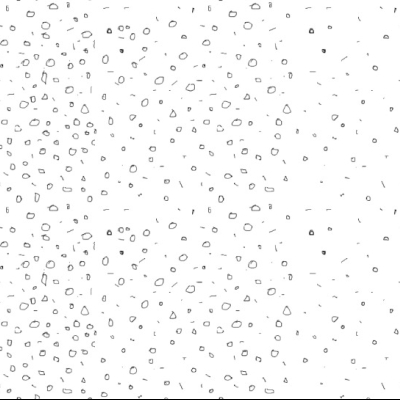
Drawing in Layers: Creating Seamless Patterns That Blend
Create seamless patterns with layered drawings. Control density and variation using pebbles, rocks, and textures — export multiple tile variations.
Create seamless patterns with layered drawings. Control density and variation using pebbles, rocks, and textures — export multiple tile variations.
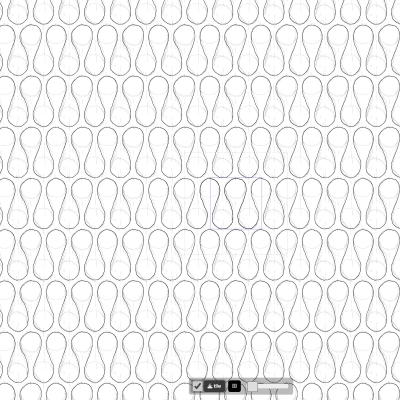
Some common drawn patterns in architectural technical pen drawings
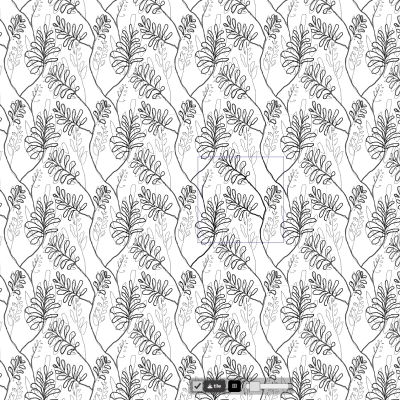
Updates: General performance improvement Resolved flickering when drawing Smaller buttons for small screens Full screen toggle button Tools Dot/circle cursor in pen mode Pen/e...

Draw/Edit seamless texture
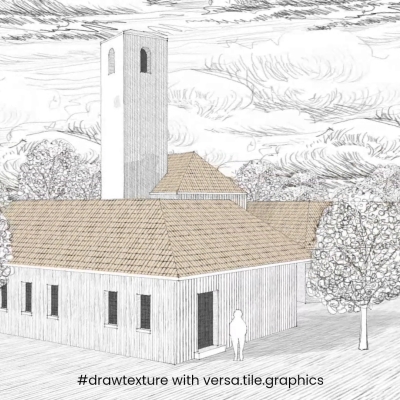
Drawing textures is not just for buildings - trees, clouds, even light and shadows can be textured too. Draw/Edit seamless texture

Textures drawn with drawing tool, textures applied to a 3D model in Google Sketchup 8. This image demonstrates the use of combination of transparent, half-transparent, and opaque...
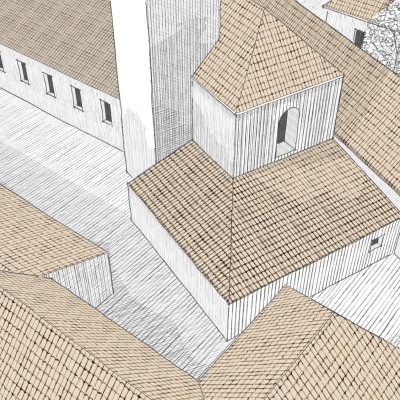
Textures drawn with drawing tool, textures applied to a 3D model in Google Sketchup 8. Using a combination of transparent png and opaque png, it is possible to apply texture overla...
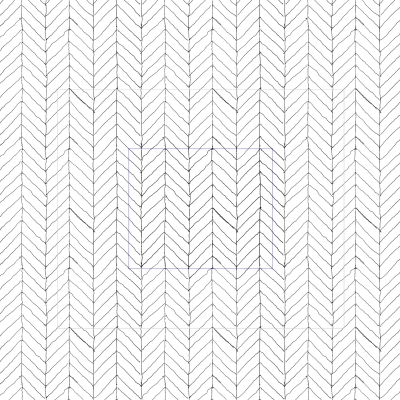
An update to our drawing tool, it is now possible to load a line pattern - for example, one generated with our texture tool. There is an option to maintain the proportion of the im...
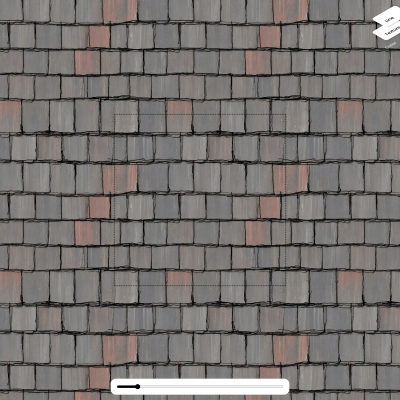
1. Draw seamless tile using the seamless tile drawing tool 2a. Load drawn seamless tile into texture generation tool 2b. Generate seamless texture that follows the drawn seamless...