
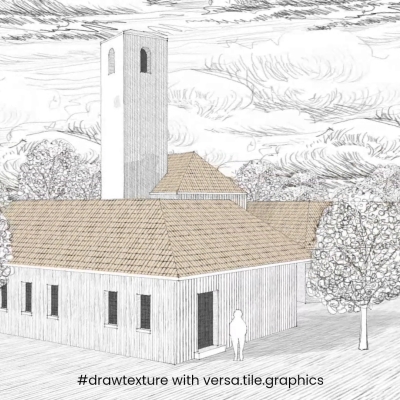
Drawn skydome/background sky with clouds
Drawing textures is not just for buildings - trees, clouds, even light and shadows can be textured too. Draw/Edit seamless texture
Practical guides, release notes, and stories from tile.graphics
Drawing textures is not just for buildings - trees, clouds, even light and shadows can be textured too. Draw/Edit seamless texture

Added ability to pan (two finger move or click+alt drag) and rotate (two finger rotate) drawing canvas for a better drawing experience.

Textures drawn with drawing tool, textures applied to a 3D model in Google Sketchup 8. This image demonstrates the use of combination of transparent, half-transparent, and opaque...
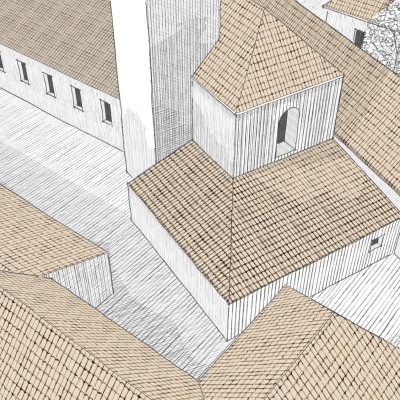
Textures drawn with drawing tool, textures applied to a 3D model in Google Sketchup 8. Using a combination of transparent png and opaque png, it is possible to apply texture overla...

The seamless texture generator is designed to work with dimensions that correspond to real-life materials. The texture settings are provided in pixels, but these can easily be conv...
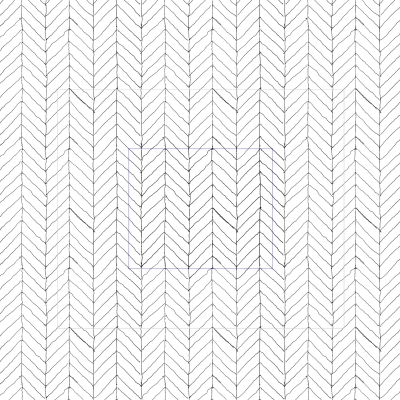
An update to our drawing tool, it is now possible to load a line pattern - for example, one generated with our texture tool. There is an option to maintain the proportion of the im...
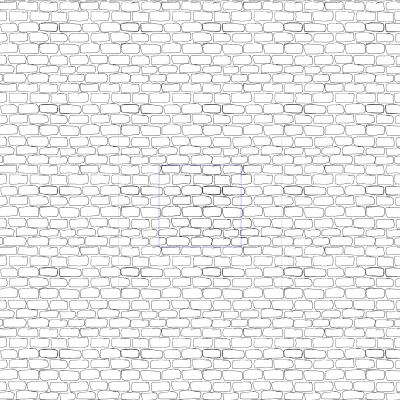
Change log: Show seamless tile while drawing Resolved flicker when drawing on Apple iPad / Firefox General performance improvements Increase resolution to 1600x1600 (tile resoluti...
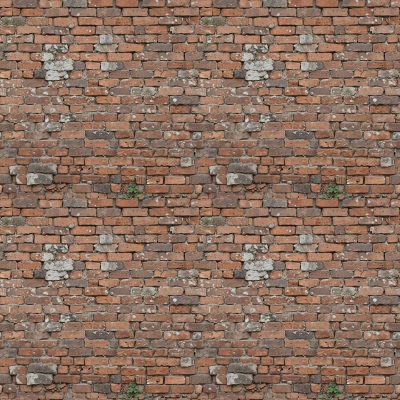
Creating seamless textures from images is essential in fields like architectural visualization, game development, and digital design. However, achieving a high-quality, tileable re...
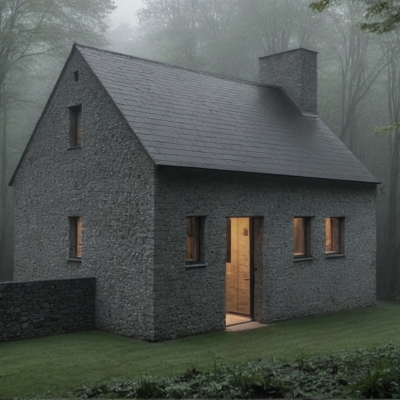
There are many ways to turn a line drawing into an image with various AI image generation tools. In this post, we'll explore an innovative approach to AI image generation - using i...